
| Attachment | Size |
|---|---|
 IMG_0125.jpg IMG_0125.jpg | 3.25 MB |
| ADTPro screen showing corruption | 3.35 MB |
| IMG_0127.jpg | 3.22 MB |
| IMG_0128.jpg | 3.27 MB |
| IMG_0129.jpg | 2.63 MB |
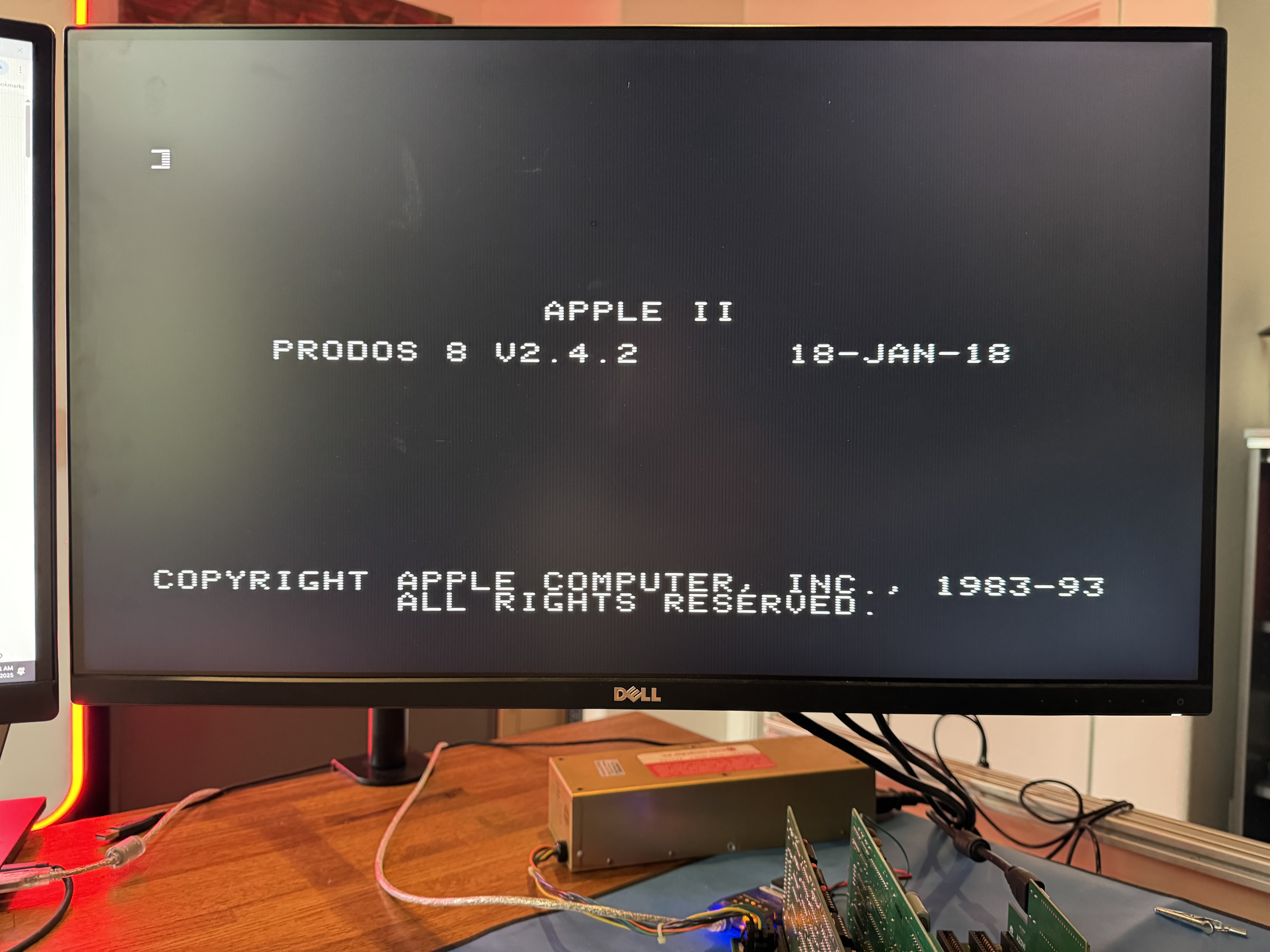
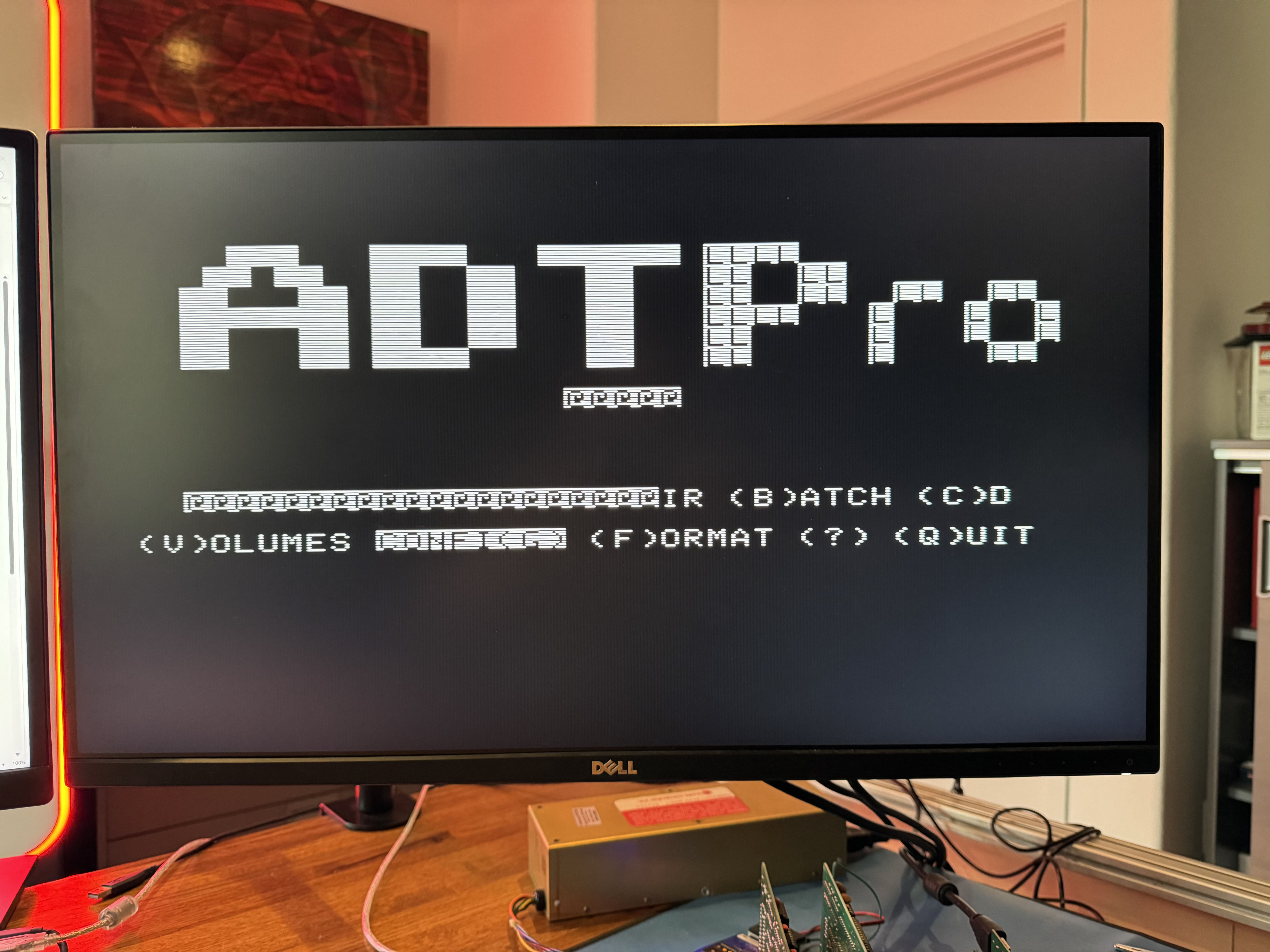
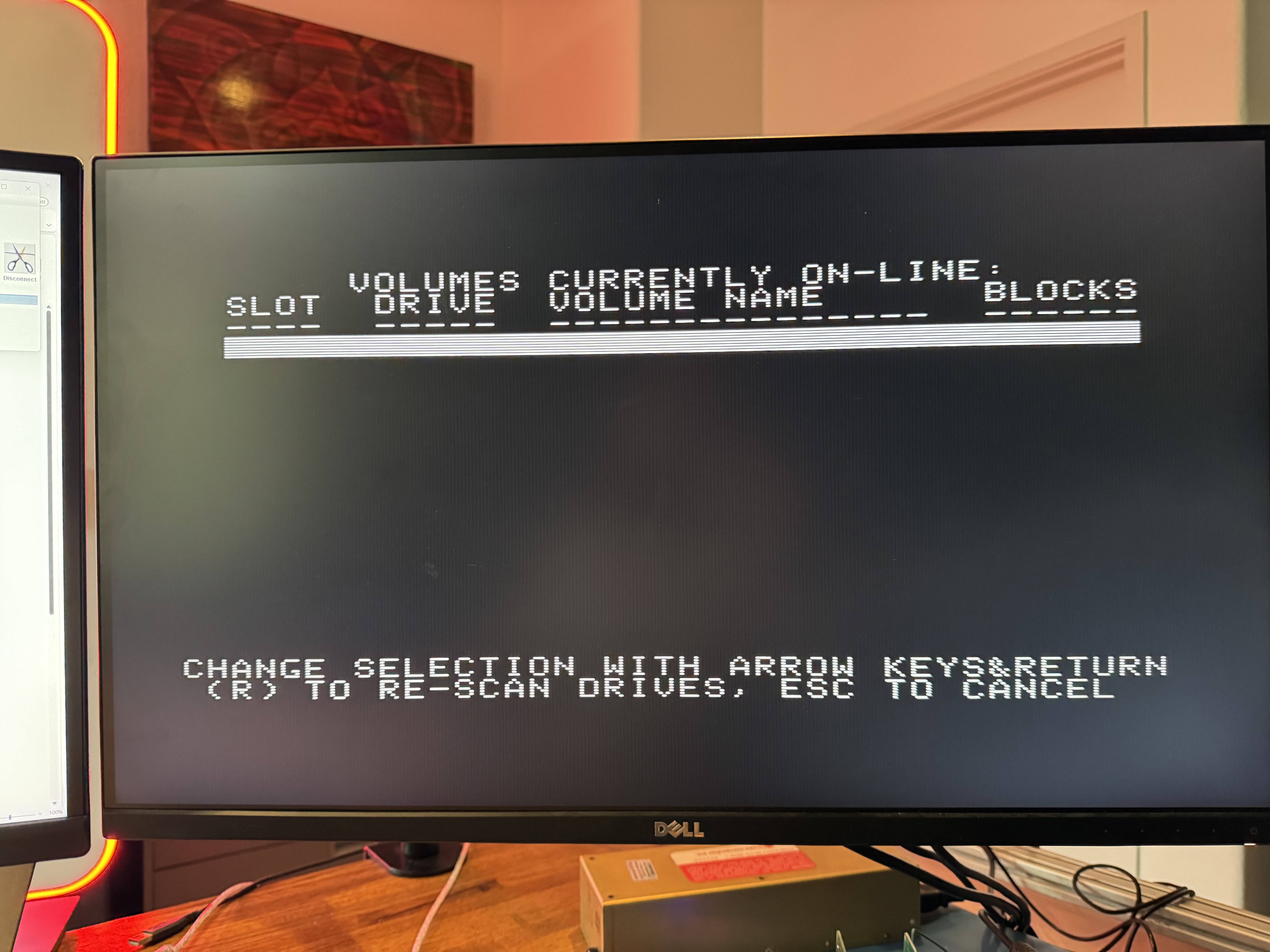
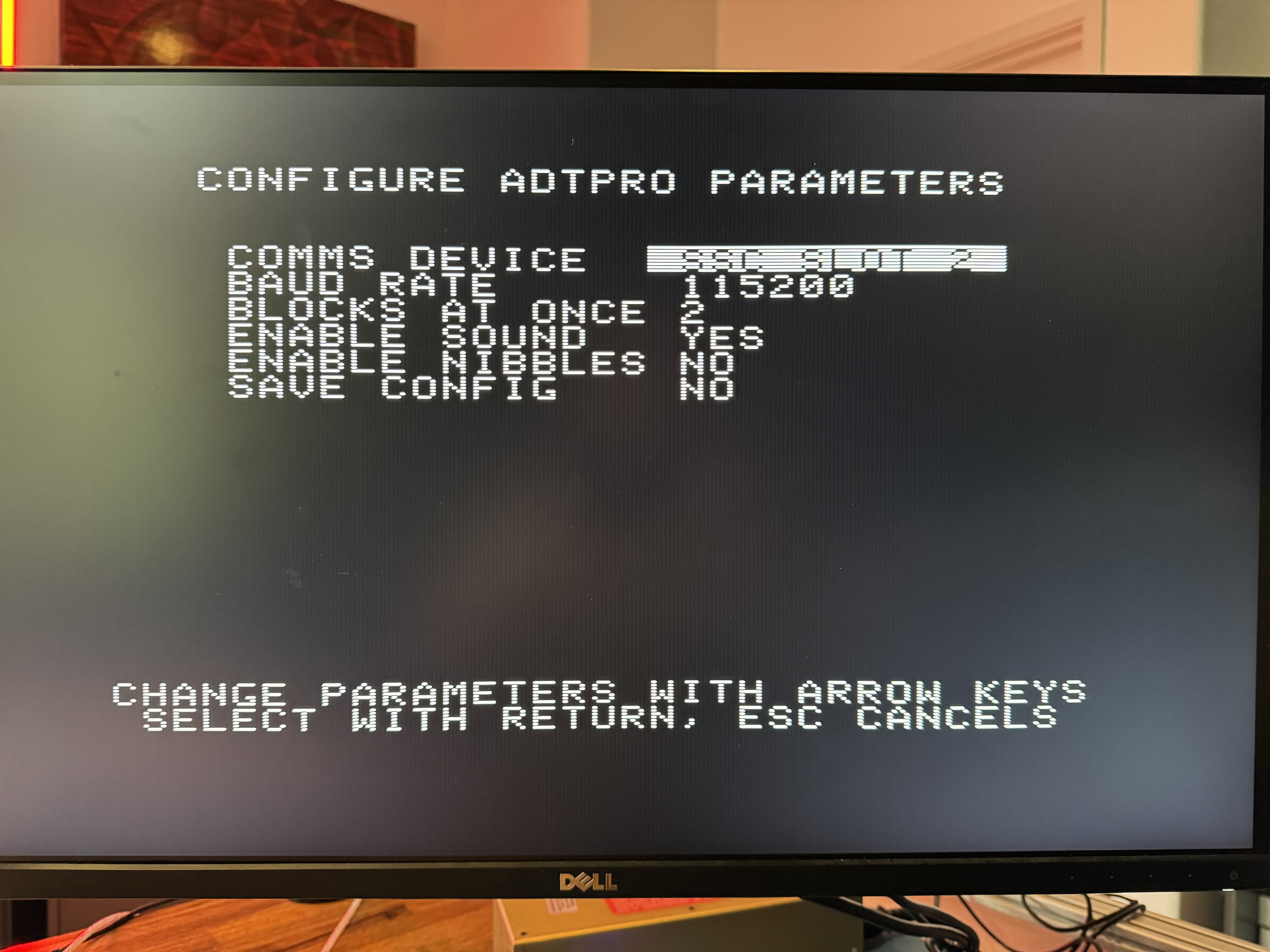
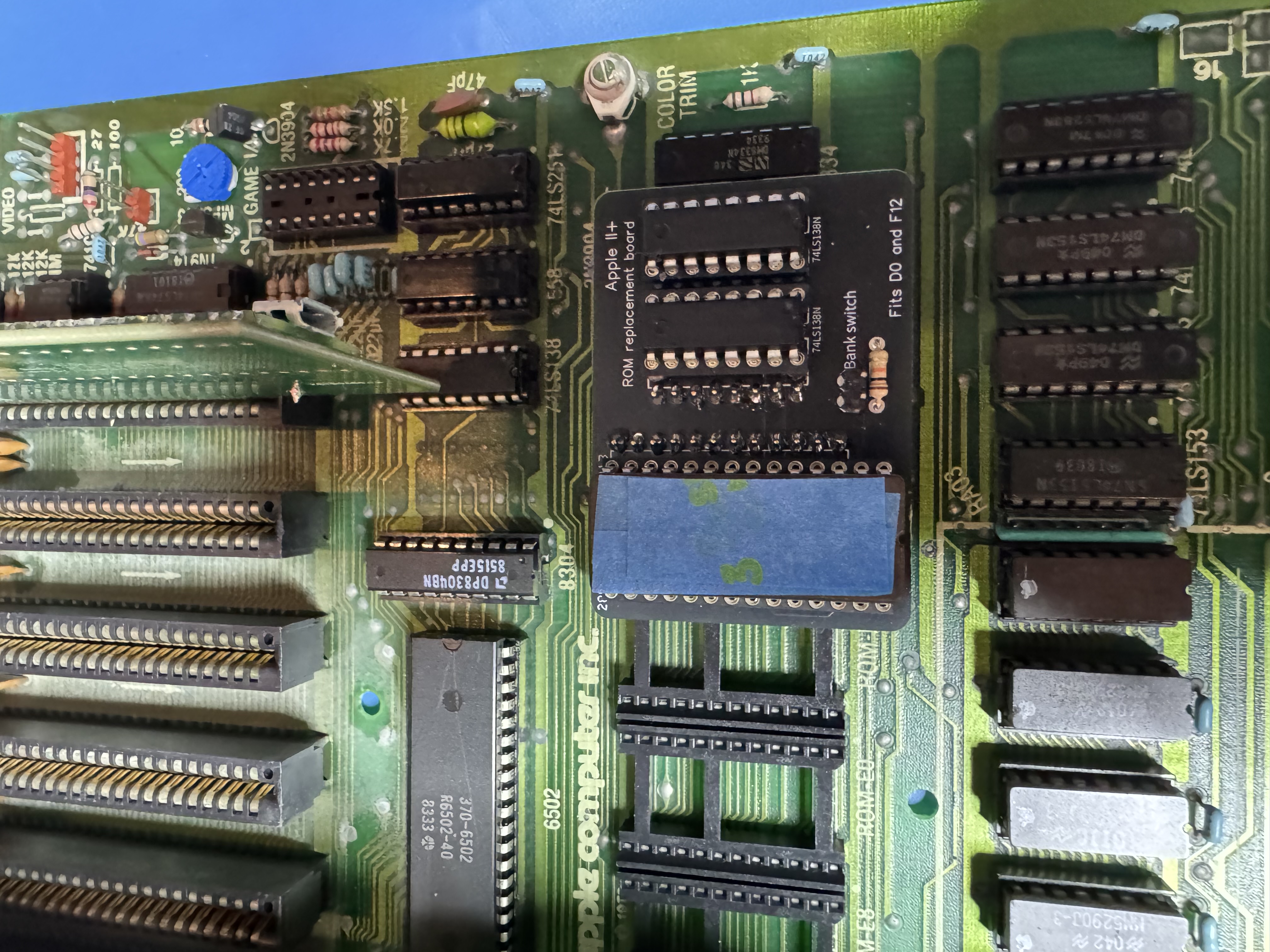
I have been steadily working through troublshooting my new (to me) Apple II plus, but I've hit a wall and was hoping to get some troubleshooting help.
Background:
Bought an Apple II plus off a local seller on Offer Up. He last used it ~20 years ago and it had been sitting in his garage for the bulk of that time. There was a lot of surface corrrosion on the chip pins. I chased power, clock and reset . Replaced the 6502 and a handful of 7400 chips. Deoxited everything. I also found I had a bad ROM so built the "ROM Replacement board" and it now boots reliably.
Problem:
I'm attempting to load apple-cillin via ADTPro so I can do further testing. I have a Super Serial card in slot 2. I can successfully bootstrap ProDos and then send ADTPro. When ADTPro starts it shows corruption on the screen and I don't have a RAM volume available to receive applecillin in to.
Some maybe relevant details:
When the Apple boots I hear a clear beep on the speaker.
When ProDos starts after being bootstrapped the speaker clicks twice - but I don't hear a beep. Not sure if I should or not?
When ADTPro starts there is a long static like sound from the speaker and corruption on the screen.
I have tested the RAM - I put Adrian Blacks deadtest ROM on the second bank of the ROM replacement board and it loops continiously reports no problems. I've also rotated in the RAM from the language card onto the main board as I wasn't sure if the deadtest ROM only tested the lower 48K.
Assuming I'm trying to use adtpro correclty and I should see a RAM volume, should I troubleshoot its absence as a transmission issue or a RAM issue?
Thanks for any help
Peter
Do you have a Disk ][ controller and a floppy drive available?
ADTPro is meant to transfer disk images to *disks*. A stock Apple II Plus will not have enough memory to write the disk images to a RAM drive.
Your best bets are to either:
Hope this helps!
Mike
Yes, it is simply impossible to emulate a ~140k RAM disk on an Apple with only 64k of memory.
And even the Apple II Disk server requires an Disk ][ Controller to save the received data to. And as far as i know, it has to be in slot #6 with drive #1 present.
For ADT every floppy emulation should be working.
To get rid of the garbage, you may try to set serial pacing to 500 (or even 1000), this gives your Apple more time to handle received data. This setting is available on ADT server under BOOTSTRAPPING ore SERIAL CONFIG.
Good luck
Eberhard
Thanks guys for responding and steering me in the right direction. I was mid troubleshooting frenzy and went off on the wrong tangent. It makes perfect sense that my 64K of RAM isn't going to be enough to provide a RAM disk to support receiving a disk image into. I had watched a couple of youtube tutorials on ADTPro and they showed up on theirs. They must have had some other card or feature installed.
At the time I didn't have working drives or disks so this was kind of a Hail Mary. I've now bought some new disks and have a working drive. I can receive from ADTPro and write to disk. I'll play around with the character pacing and see if the corruption goes away. Currently it still happens intermittantly but ADTPro still works fine even if the screen has corruption.
Thanks again for (kindly) steering me straight.
Peter