
Anonymous
User login
Please support the defense of Ukraine.
Direct or via Unclutter App
Active forum topics
Recent content
Navigation
No Ads.
No Trackers.
No Social Media.
All Content Locally Hosted.
Built on Free Software.
We have complied with zero government requests for information.
Comments
Steps...
Gustav,
What were the steps required to accomplish this?
Thanks
Still researching
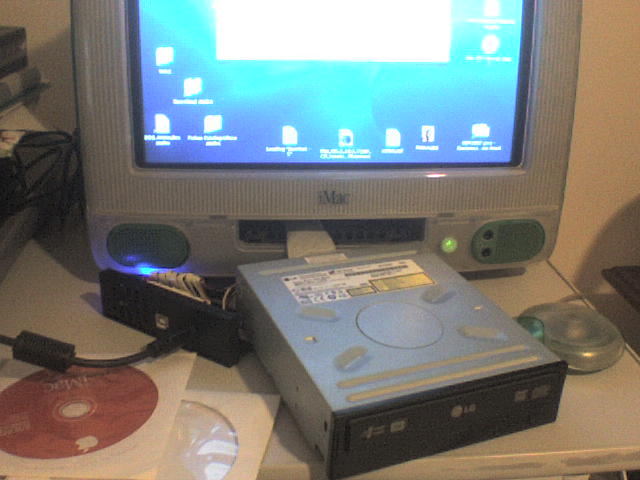
Well... I didn't really accomplish yet. I post this image to insert in my forum posts, just to show it to applefritter's fans. Connect the drive is siple: you take off the original cable and the original CD drive. Connect the HD with a ordinary flat cable and put the second connector out as you see at the picture, and connect the other CD/DVD drive. You'll need some power. I advise to not duplicate the power cable (you may "overcharge" motherboard). I use a disassembled external case, using only the power cable from it.
Voila... you got a cheap DVD ROM running at a reasonable speed, not the 6X from the USB 1.1.
But iMac doesn't recognize it as a bootable device! I still cannot reinstal my MACOSX. If you got some ideas, please let me know!