
On a related note to the question about squares, I'm a little confused by the "color" word :). Specifically as applied to the iie. I like the visible computer program that shows how the 6502 works from the inside out (the apple/commodore program, not the modern thing). But, it "works" in color, which means it comes up like this:

which gives me a headache. Surely this wasn't awesome to folks, even then?I usually change the mode to green or amber:
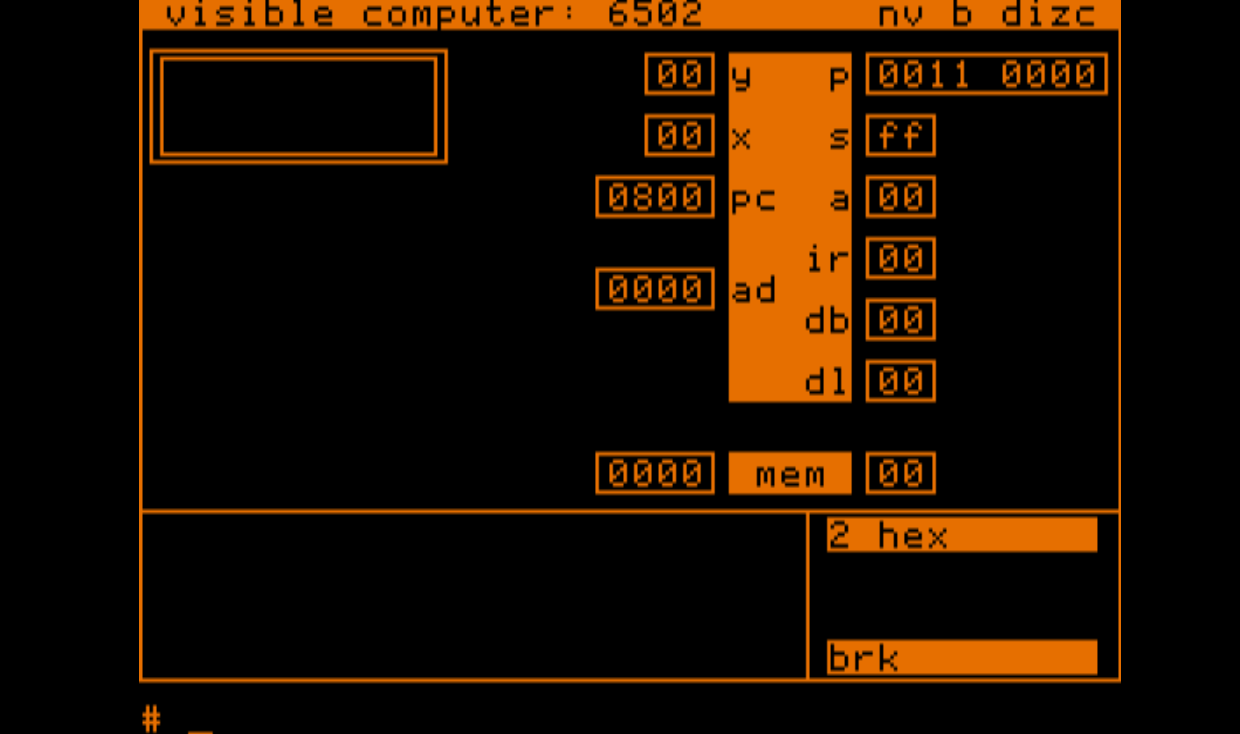
which is much more legible. I'm curious is that how it was / is with physical hardware too? Or is it better looking in color on real hardware and less good looking in amber/green or real hardware?
That is probably the most-answered question on this site. I think it was answered earlier this week.
The short version is that the Apple II always has color fringes around vertical lines, except when the whole screen is in text mode.
The fringes are not visible on a monochrome display, or a color display with its monochrome button switched on.
Thanks for answering it yet again, then. I'm not a total newb on the site, but I haven't visited much since joining... until now, when I digging in. I searched, but didn't find... Next time, I'll search harder, and now that I'm here more often, I should start to see the posts coming in!
In post #2, 'robespierre' wrote:
" The short version is that the Apple II always has color fringes around vertical lines, except when the whole screen is in text mode. "
Uncle Bernie comments:
These "fringes" aka "artifact colors" are the intentional way for the Apple II to generate colors in hires graphics mode.
Woz got a patent on the 'long cycle' trick which makes this effect possible while avoiding vertical lines to get 'jaggy'.
And then users of the first Apple II complained about the effect to also happen in "text" mode, and Apple added a transistor to turn the effect off in text mode.
To avoid these effects for vertical lines in hires mode, just draw two adjacent lines which then will appear to be white. (very weak fringing will still be visible, though).
To do the same with text rendered in hires mode, make all the "dots" or vertical lines in the character set at least two dots wide. For an example, look at the character set used in the 8-bit Atari computers (400, 800, 600XL, 800XL, ...) You can find binaries of the character generator ROMs on the internet ... look for Atari emulators.
- Uncle Bernie
This effect usually looks worse today than it did back then.
The reason is the analog color TVs that were initially used would tend to soften those effects. They were still annoying, but not as bad. Some emulators can emulate that.
For the real Apple II, if you try hooking a modern LCD that has an analog RCA input (e.g. some Othoig screens) it will not be "correct" either, because the modern decoders are "too smart."
On the other hand, the old color TV will not work well with 80 column text because it will be too blurry to read.