
Hello,
I built an SPIISD device (version 1 without a display, the model with an IDC20 cable, Arduino Nano) for my Apple IIc (ROM 4X with a French keyboard).
I flashed the software onto the Nano using a Pololu AVR programmer. When I start the Apple, I get the message "No bootable device."
The software on the Nano starts properly, Welcome messages are visible in the log.
The connections between the DB19 connector (original) and the Nano are fine, as are those between the Nano and the SD card reader. I checked all the connections.
I also opened the IIc and checked the nine wires between the SPIISD board (connected to the IIc) and the connector for the internal floppy drive—everything is fine.
Then I installed the BurgerDisk software; the code is better structured. In the serial log (via a Pololu serial device) of the Nano, I see that only a Smartport RESET is detected on pins PH0, PH1, PH2, and PH3, followed by endless Smartport DISABLED signals and never a Smartport ENABLED signal. The BurgerDisk software only accesses the SD card after receiving the ENABLED command.
According to AI, there might be a problem with my international (French) IIc. Does anyone have any ideas or suggestions?
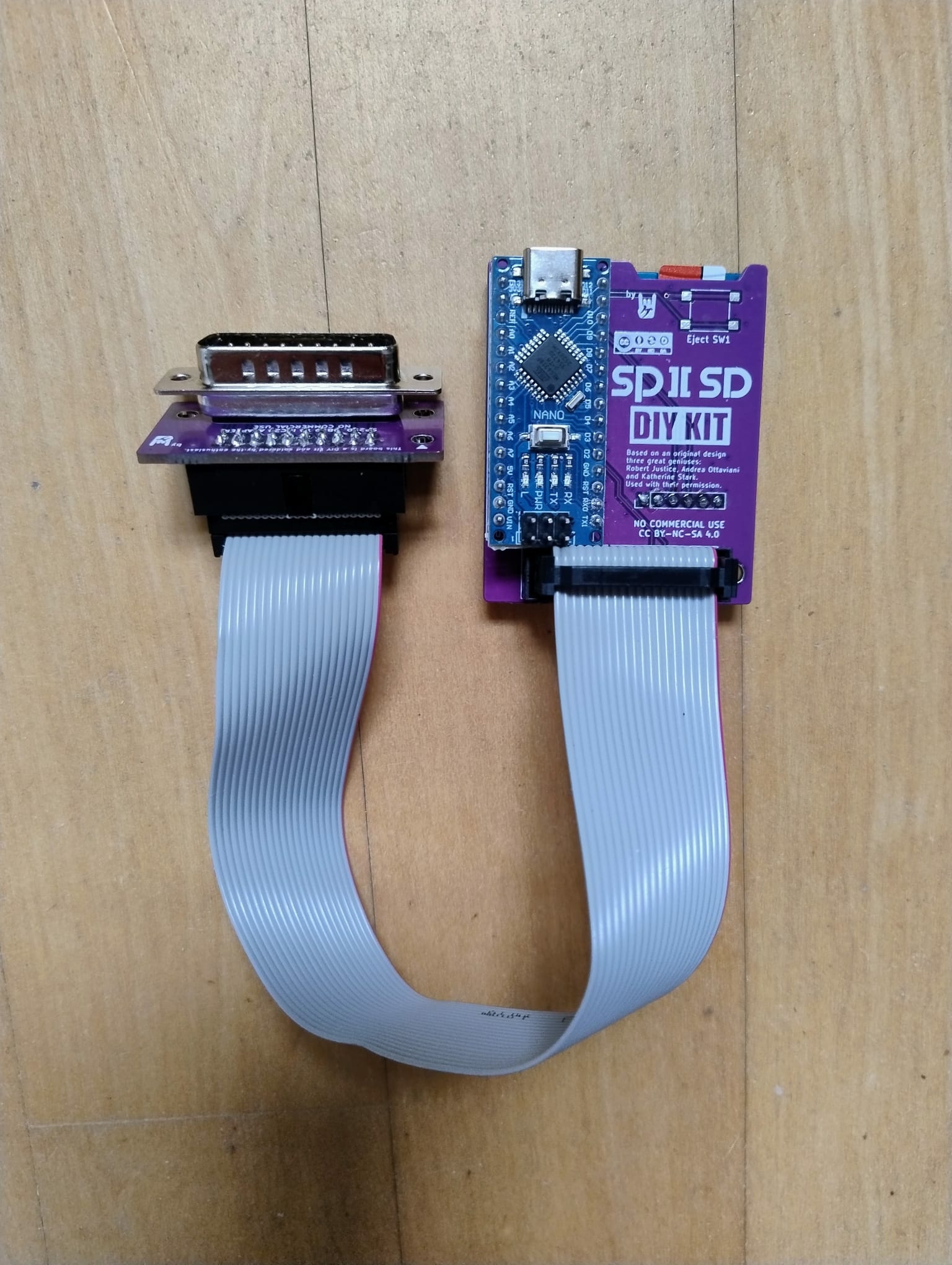
Is the internal real floppy drive working properly?
Yes, the internal floppy is working properly - reading and writing with ProDOS and DOS
I built a smartportsd (https://github.com/erichelgeson/smartportsd) for my Finnish IIc and it works. So I think yours being french is not an issue. I need to boot via the 4x menu though. It wont boot automatically. I do trust you know the key combo, but here it is Ctrl + Closed-Apple + Reset. Good luck.
That's because it initializes SD storage at boot, which takes too long. Hence, it misses the Smartport RESET / INIT sequence. If you're not interested in the boot image select button (v1) or screen UI (v2), this is fixed in BurgerDisk's firmware (which is compatible with SmartportSD boards)
Could the solution be to install a ROM4X EPROM and then use the internal "Boot From Smartport" featurte?
After Ctrl + Closed-Apple + Reset and then Option 5 Boot Smartport I see "No bootable device"