

Guide, Hardware, Software
Installing WordPress on Snow Leopard
Submitted by Dr. Webster on May 9, 2010 - 11:24pm![]()
A complete guide to turning your regular Mac running Snow Leopard into a Web server hosting WordPress.
Cracking Open the Time Capsule
Submitted by Dr. Webster on January 31, 2009 - 2:48am![]()
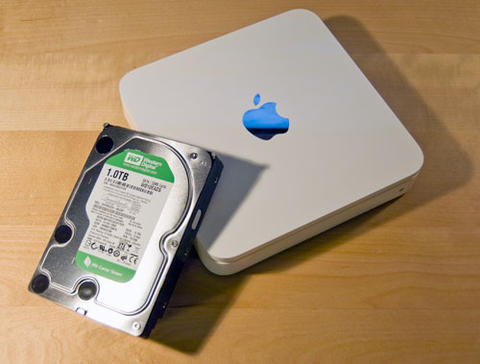
An in-depth look at Apple's Time Capsule: how to get more room for backups, and a cooler, quieter-running Time Capsule with a single upgrade.
Fixing the Epson 'Prints Blank Pages' Problem
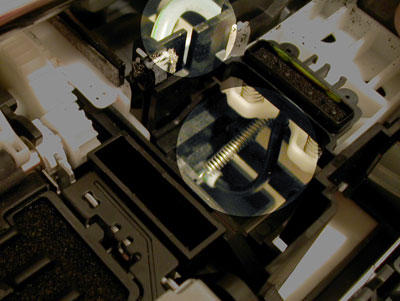
Submitted by Dr. Webster on March 19, 2006 - 4:58amA number of Epson inkjet printers suffer from a problem where they eventually print nothing but blank pages, even with new ink tanks. Here's a way to try to fix the problem.
Intel Mac mini: Take Apart Guide (RAM & HD)
Submitted by Tom Owad on March 2, 2006 - 4:48am![]()
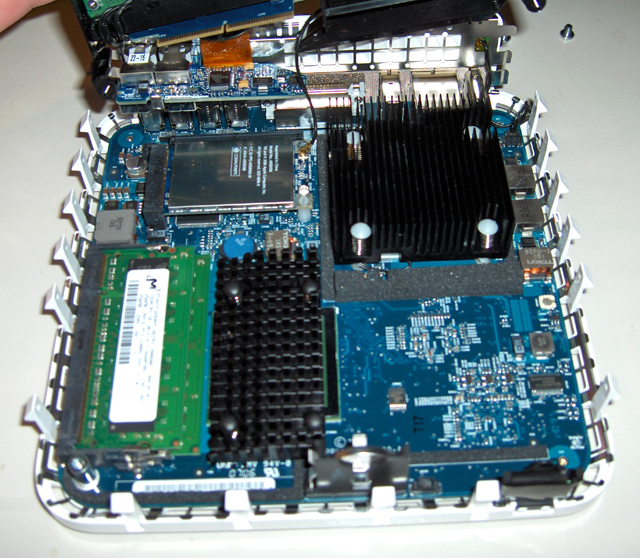
This guide describes how to take apart the Intel Mac mini and upgrade the RAM and hard drive.
3.5" hard drive on laptop/Mac Mini internal IDE
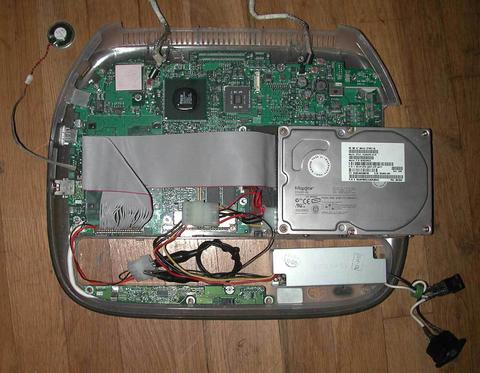
Submitted by Whosawhatsis on February 23, 2006 - 9:41pmWant a cheap way to add storage and speed to a stationary laptop that might not have Firewire or USB 2.0? Disappointed that your Mac mini uses a puny little laptop hard drive? If you've got a desktop hard drive that you'd like to connect to either of these, it's possible with a little work.
Have Your Macintosh Call You
Submitted by BDub on February 15, 2006 - 4:37pm[inline:1]
Nothing fake, plenty phony. Use Skype, Applescript, and iTunes to make phone calls and play audio files automatically.
Repairing the PowerBook 5300
Submitted by Tom Owad on November 18, 2005 - 4:21am![]()
A design flaw in this PowerBook inevitably leads to a flakey power connector. Learn how to repair it.
Building a Case for the Replica I
Submitted by iceandfire on February 21, 2005 - 5:17pm![]()
In this detailed tutorial, Larry Nelson explains how to make a traditional-style Replica I case out of Birch and Walnut.
A quick Mac battery replacement
Submitted by Tom Owad on June 14, 2004 - 2:11amHow to successfully install Mac OS X 10.3 on Beige G3s
Submitted by rael9 on May 27, 2004 - 4:23pmFirst of all, here are the specs of my machine:
Beige G3
Sonnet 400 MHz G4 upgrade w/ 1 MB L2 cache
768 MB RAM
40 GB IDE drive
4 GB 10,00RPM Cheetah SCSI drive
Apple UltraSCSI card
Radeon 7000
USB/Firewire PCI card
Toshiba DVD drive
Built-in Zip drive
Rev. A ROM
These instructions are based upon this machine. If you have any problems on a differently-abled Beige G3, please let me know so we can work towards a more complete Howto. This may or may not work with other Mac models. It should, but there may be other idiosyncrasies I don't know about. Keep in mind 10.3 will only work on G3 and above processors, so older machines will *not* work unless they have a G3 or G4 upgrade installed. Also, XPostFacto a17 has some preliminary support for the built-in video of Beige G3s, but I haven't tested it as of yet. I am doing all video on the Radeon 7000 for now, as I had problems with the built-in video on earlier versions of XPF. It may work, it may not. I'll probably test this soon so that I can get back my dual monitor setup. On to the install.
