
| Attachment | Size |
|---|---|
 AppleII Pascal 5.25,3.5 and AppleII Pascal Toolkit AppleII Pascal 5.25,3.5 and AppleII Pascal Toolkit | 454.62 KB |
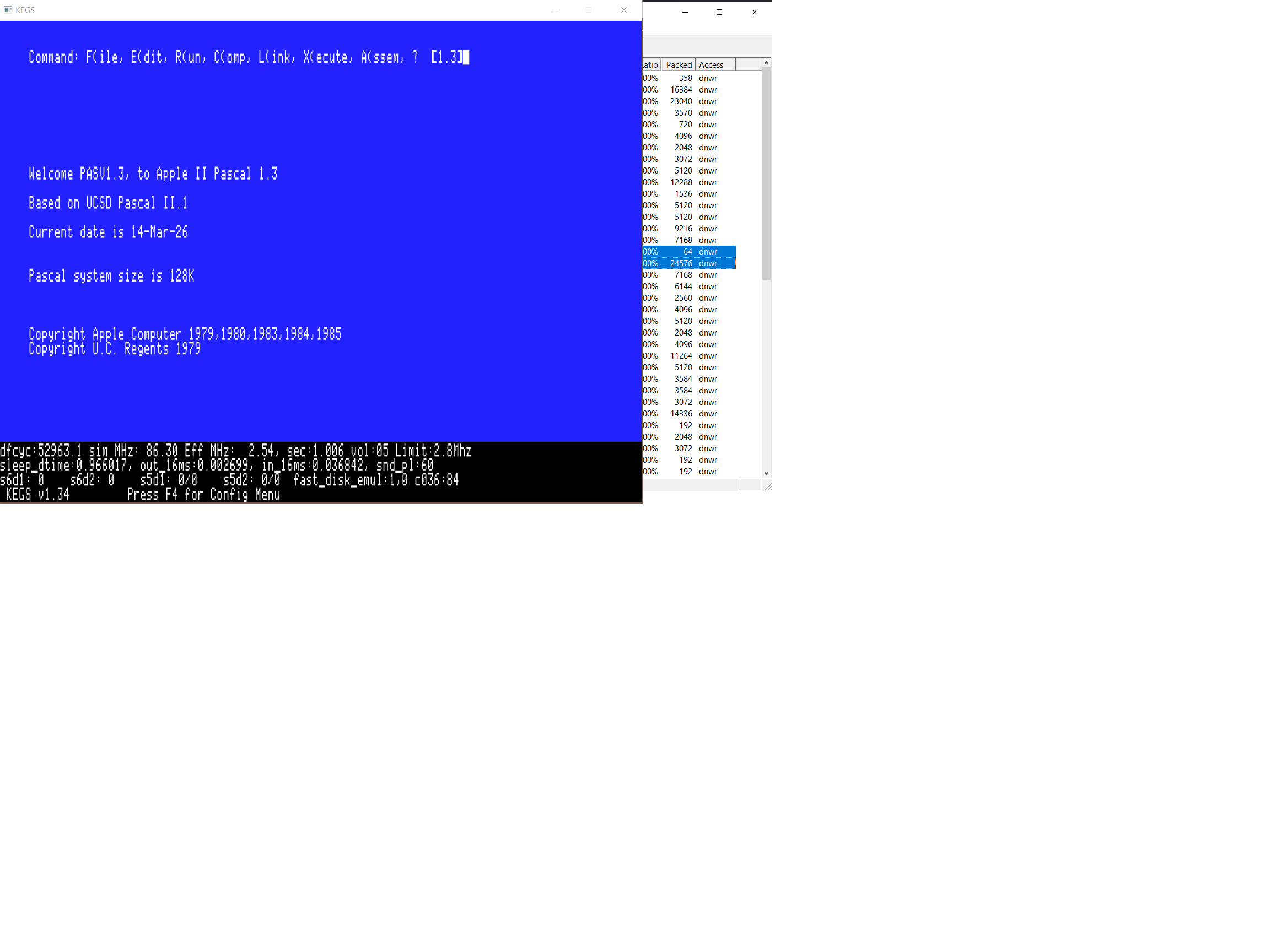
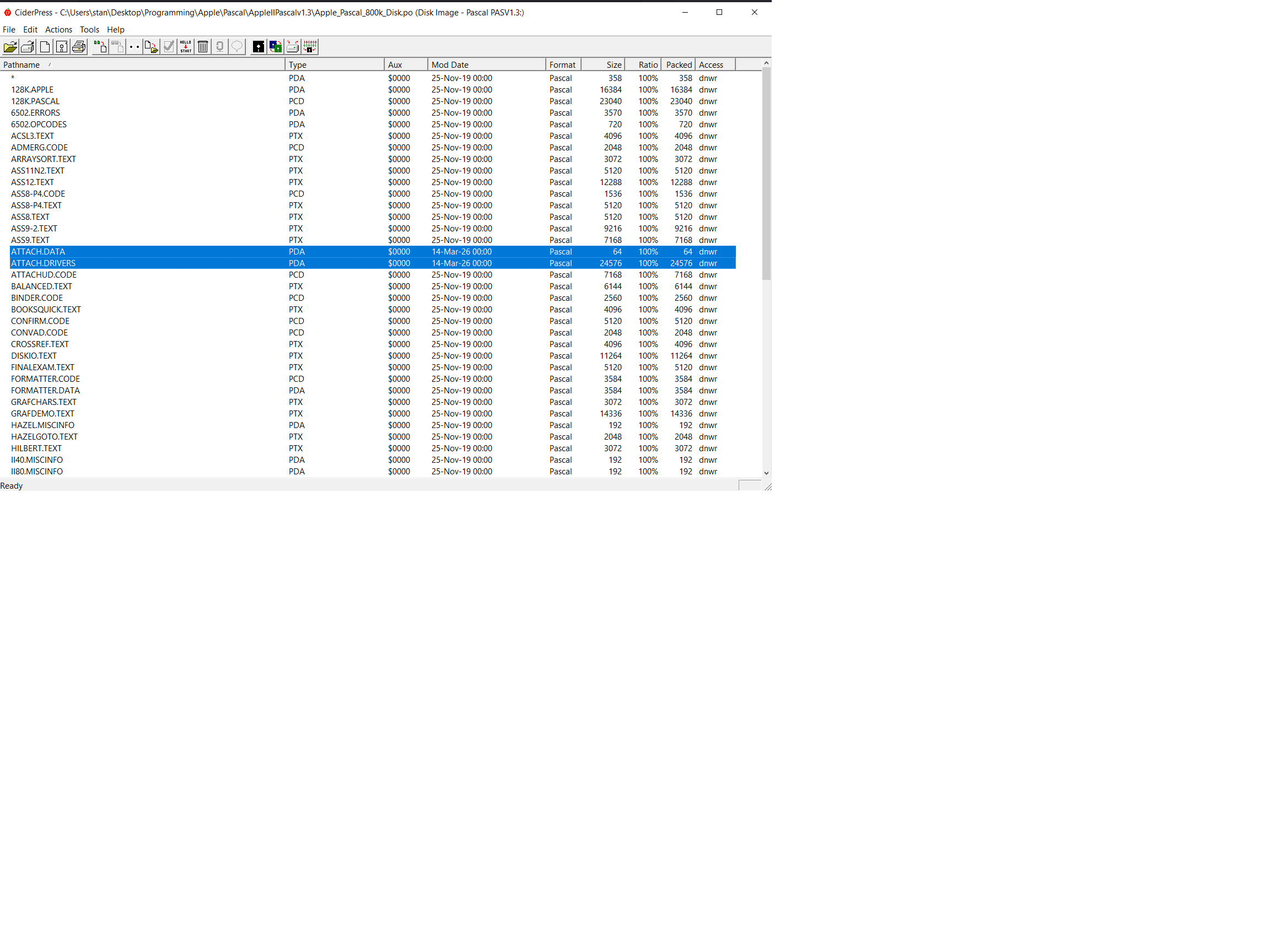
While I feel it likely that this is of very little interest or that others are already well aware of this, I just wanted to share how I addressed an annoyance.
Apple Pascal v1.3 works perfectly well using AppleWin booting from disk 1 in s6,d1 and disk 0 in s6,d2. The only caveat is that the "Enable Disk II controller in slot 5" must not be enabled (the configuration file must not have the "-s5 diskii" statement present).
This is an annoyance because it limits the number of files that can be created because those disks already hold the Pascal system files. It also tends to require disk swapping. It would be great if the AppleWin developers could fix this or even better, allow booting hard disk images from slots 4-7 instead of just the default of slot 7.
I was able to resolve the issue by using KEGS instead. In this case, all that was required was to just 'Set startup to slot 5' in the control panel. This obviously requires having the 800k Apple Pascal v1.3 disk in s5,d1 in the KEGS disk configuration panel (F4).
It was necessary to copy two files from the Apple Pascal v1.3 Toolkit Disk1 disk. These two files (ATTACH.DATA and ATTACH.DRIVERS), need to be copied from the above disk onto the Apple Pascal v1.3 800k disk.
Applewin can load and boot from a hard drive image in slot 5 instead of slot 7 using the following command line parameters:
AppleWin.exe -s6 empty -s7 empty -s5h1 A2Desktop.hdv -power-on
Your response was very helpful and yes, it worked just as you stated. I was able to get the Apple Pascal v1.3 disk (1Pascal) - the 800k disk, to boot from slot 5 disk1 and a pascal data disk, also 800k, to show up via slot 5, drive 2.
Thanks!